
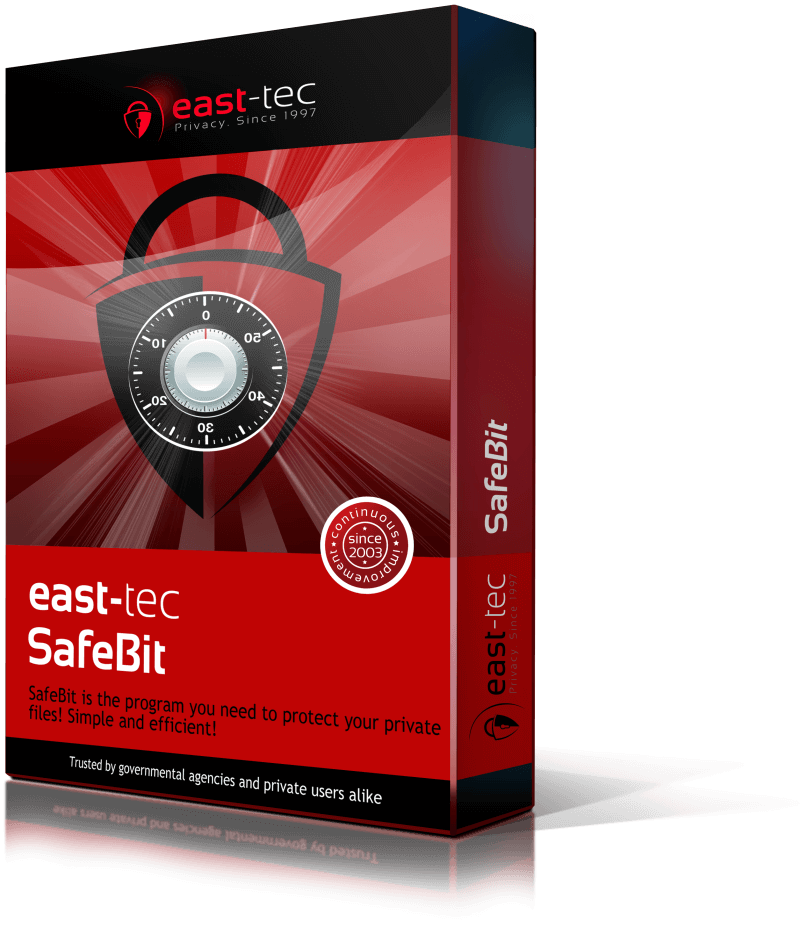
east-tec SafeBit is a disk encryption software and the perfect solution for protecting your data against potential unauthorized access and information leaks. It features on-the-fly disk encryption, by creating virtual disk drives, where you can hide files & folders, keep them encrypted all the time, but still work with these files just like you work with normal files.
-

Protect your confidential information
east-tec SafeBit is a disk encryption software that helps you protect your confidential information from unauthorized access, data breaches, or computer theft. It is the perfect add-on to computer privacy software by allowing you to install and execute programs inside encrypted vaults, therefore leave all your traces encrypted inside the safe.
-

On-the-fly encryption
Encrypt folders and files on-the-fly with east-tec SafeBit. On-the-fly encryption means that data is automatically encrypted right before it is saved and decrypted right after it is loaded, without any user intervention. The user will not be aware of the mechanism behind the disk encryption software, being fully transparent to the user, giving the look and feel of another hard drive.
-

Military-strength encryption algorithm
east-tec SafeBit is a disk encryption software that uses the strong 256-bit AES encryption algorithm to scramble and make the data unreadable. AES was also selected by the NIST (National Institute of Standards and Technology) to be the US Federal Government standard to protect personal and commercial information, so with east-tec SafeBit you can sleep without worries knowing that your files are protected.
-

Safeguard data on removable devices or in the cloud
You can transfer your encrypted safes via email, upload or backup, move or copy them to external hard drives, USB sticks, smart cards or other portable devices or why not, upload them to the cloud (via Dropbox, Microsoft SkyDrive or Google Drive) and take them with you, wherever you go, and continue to access your encrypted data anytime using east-tec SafeBit. Our disk encryption solution gives you the power of taking your sensitive data anywhere you want without the fear of data loss, data breaches or laptop theft.
-

Use USB & Flash Memory Cards as Keys
east-tec SafeBit allows you to save the passwords when creating an encrypted safe on your personal removable disk device, such as USB key stick, memory card, and use them later as a key to open your safes. This avoids the risk of login data being stored on your computer, that could be easily retrieved by a hacker. For better security, the password is encoded when saving it on a USB drive.
-

Protection against KeyLoggers
A keylogger is an application that reads all your keystrokes from your keyboard, being able to intercept and steal your password. By using our built-in virtual keyboard, you will be able to enter passwords without the fear that it will be caught by a key logger software.
-

Protection against viruses, trojans and hackers
Improves the security offered by an antivirus, protecting your important files against online and inside threats. While your confidential documents are in an encrypted closed vault, viruses, trojans, spyware programs and hackers will not have access to your important files. This makes east-tec SafeBit the last line of defense if your current virus protection program fails.